DOCUMENT GENERATION

Resume Builder

I built this to make resume editing simple and organised.

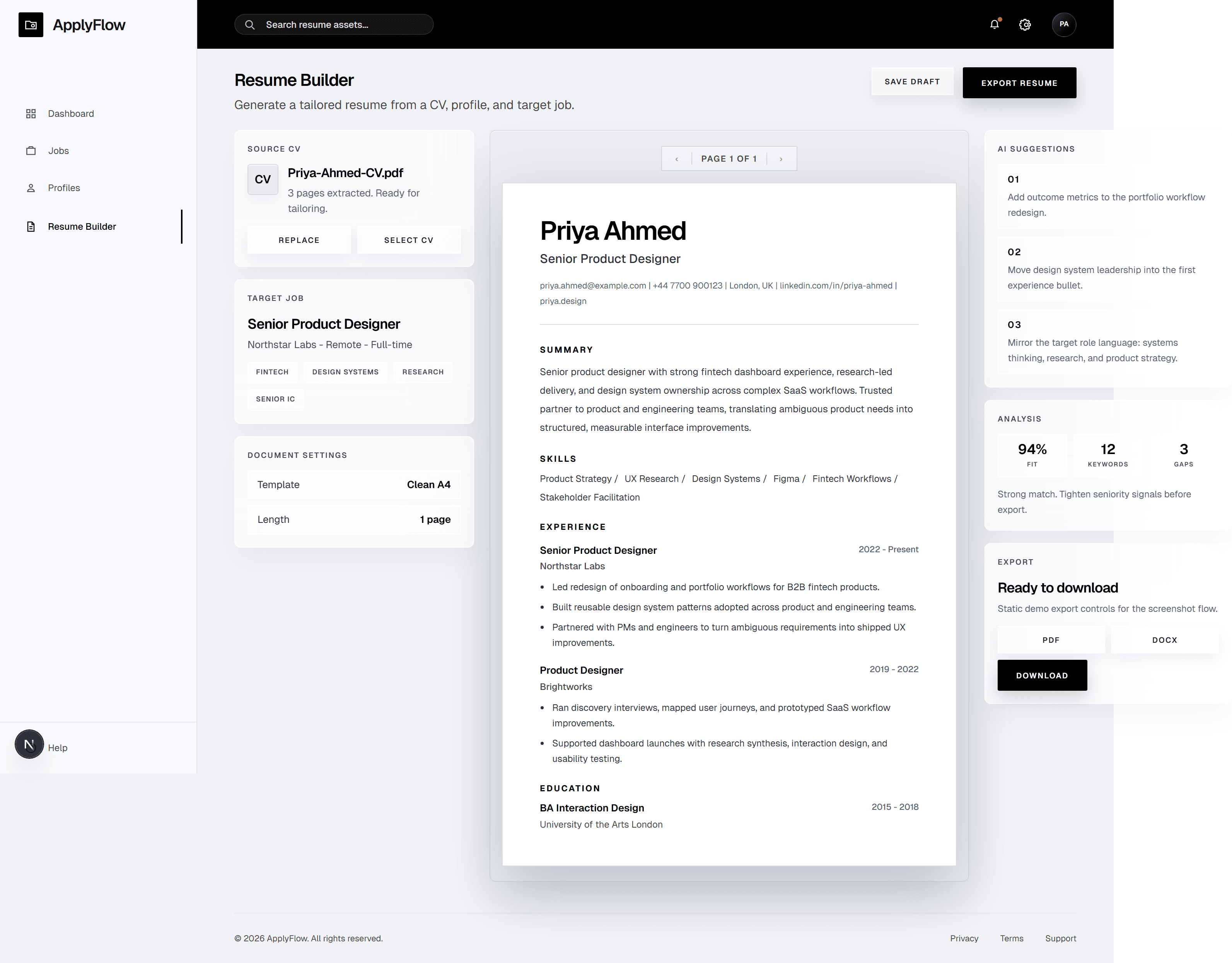
Instead of jumping between a CV, a job post, notes, and a blank document, the workflow brings the main pieces into one place.

  • Brings CV, profile, and job information together
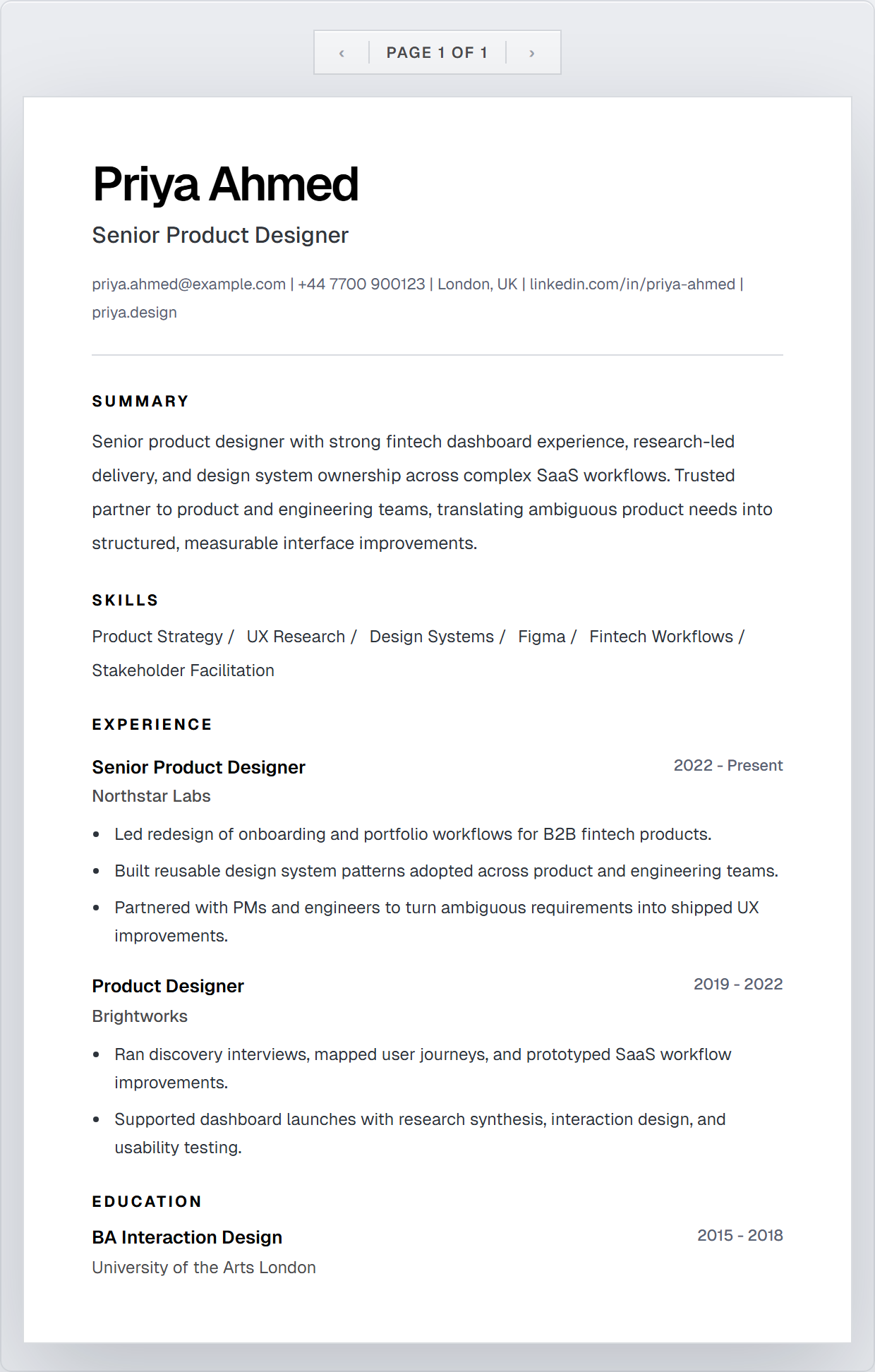
  • Shows the resume in a clear document preview
  • Helps the user review, improve, and prepare it for export

Purpose

Resume editing often means working across several documents at once.

The Resume Builder keeps the source CV, job details, writing suggestions, and document preview together so the user can make changes without losing track of the full document.
What was built

  • CV and profile information
  • Job-focused resume direction
  • A4-style resume preview
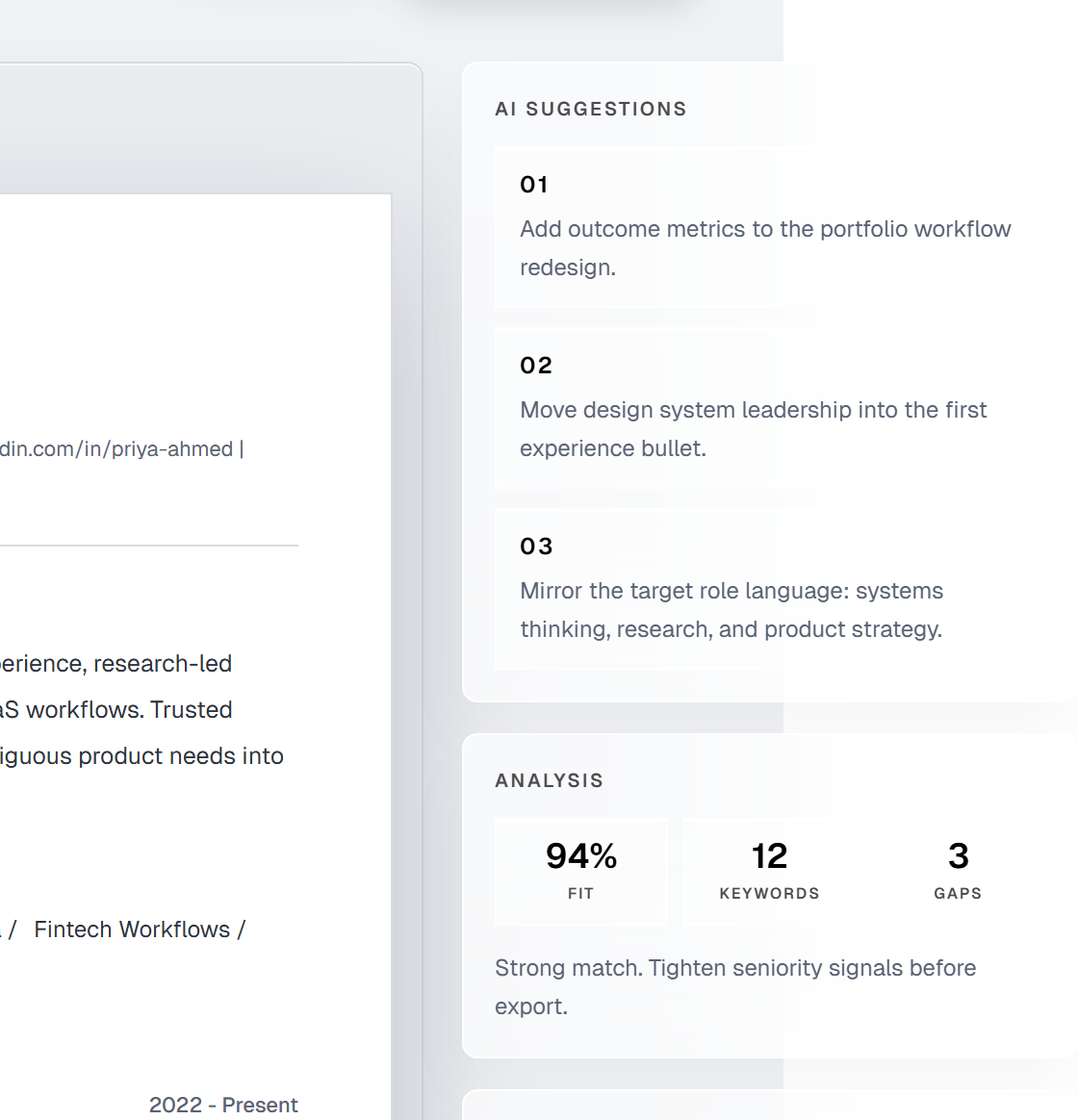
  • Suggestions for stronger content
  • Organised sections for review
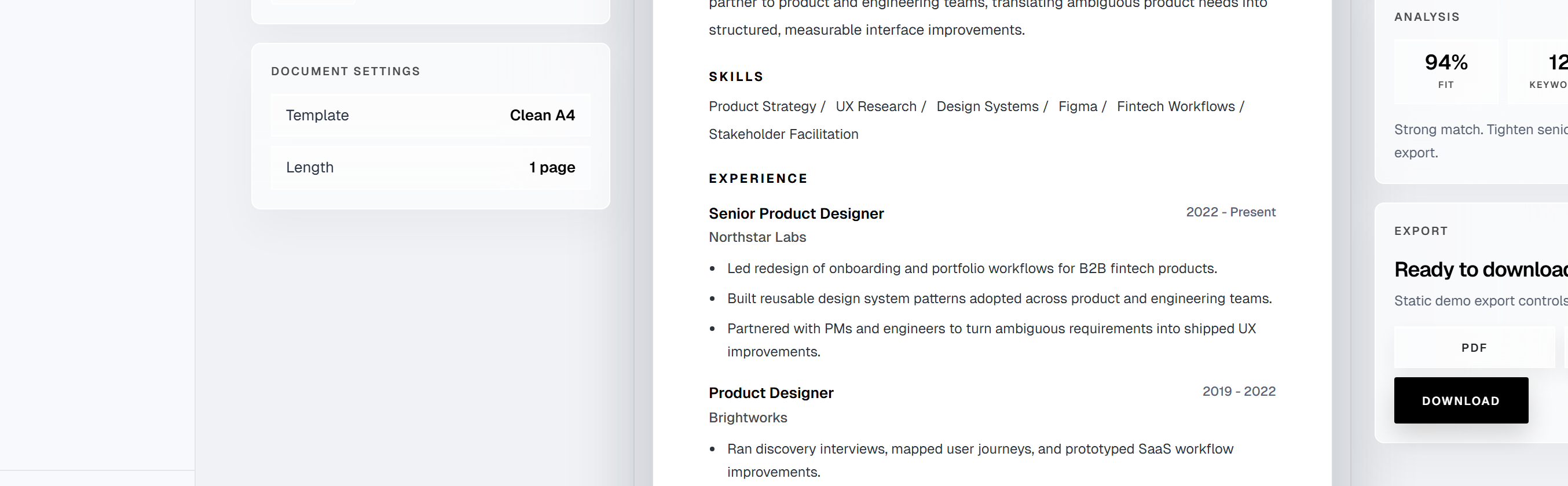
  • Document settings
  • Export-ready document flow

Workflow

The user starts with their CV and profile information.

They can add the role they are applying for, review suggestions, and update the resume while seeing the document take shape in a realistic page preview.

The finished version can then be reviewed and prepared for export.

Tools

React, Next.js, TypeScript, document layout, UI workflow design.

Outcome

A clearer way to prepare tailored resumes without starting from scratch each time.

Walkthrough

01

Add the CV

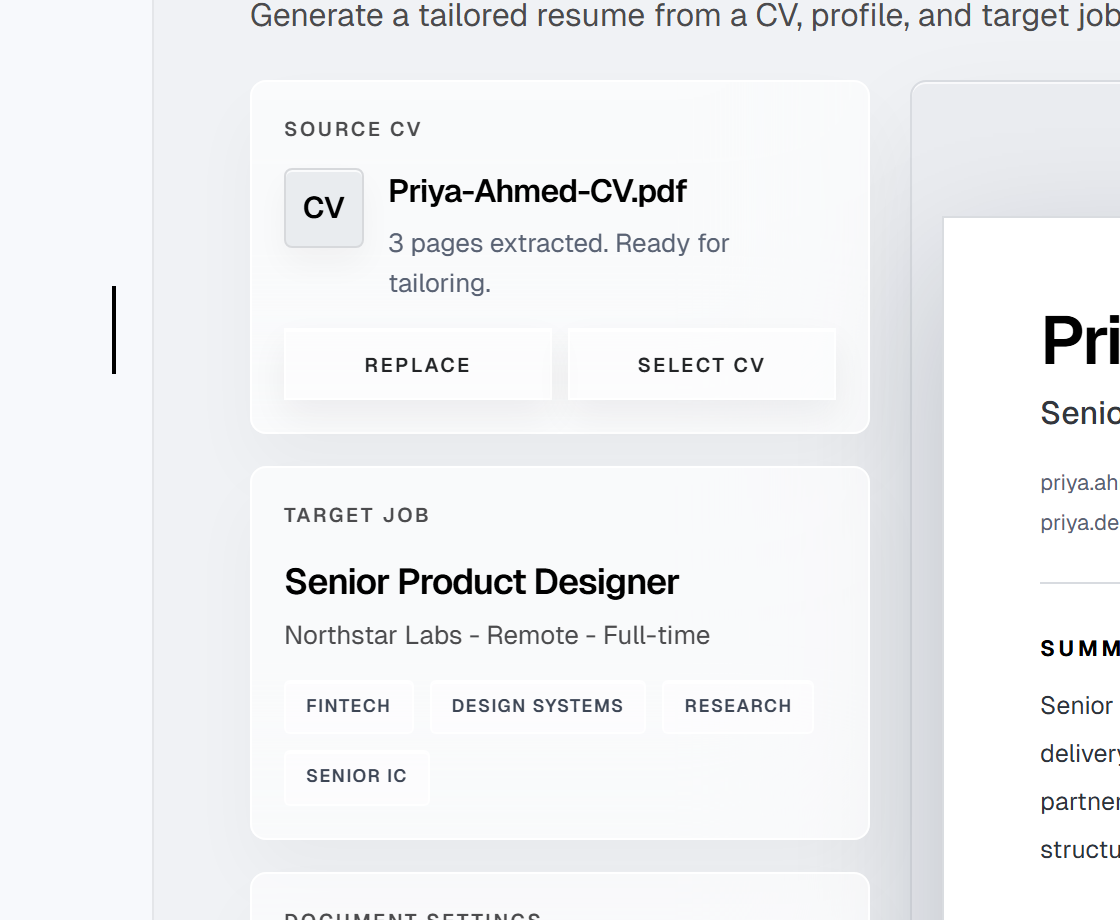
Bring the existing CV and profile information into the builder.

Resume Builder source and target panels screenshot.
02

Add the job

Use the role details to guide the resume.

Resume Builder source and target panels screenshot.
03

Review the suggestions

See which parts of the resume may need more attention.

Resume Builder AI suggestions analysis screenshot.
04

Edit the content

Update the summary, skills, experience, and education sections.

Resume Builder A4 preview screenshot.
05

Check the document

Review the resume in a realistic A4 page layout.

Resume Builder A4 preview screenshot.
06

Prepare the final version

Make the last changes and get the document ready for export.

Resume Builder settings and export screenshot.