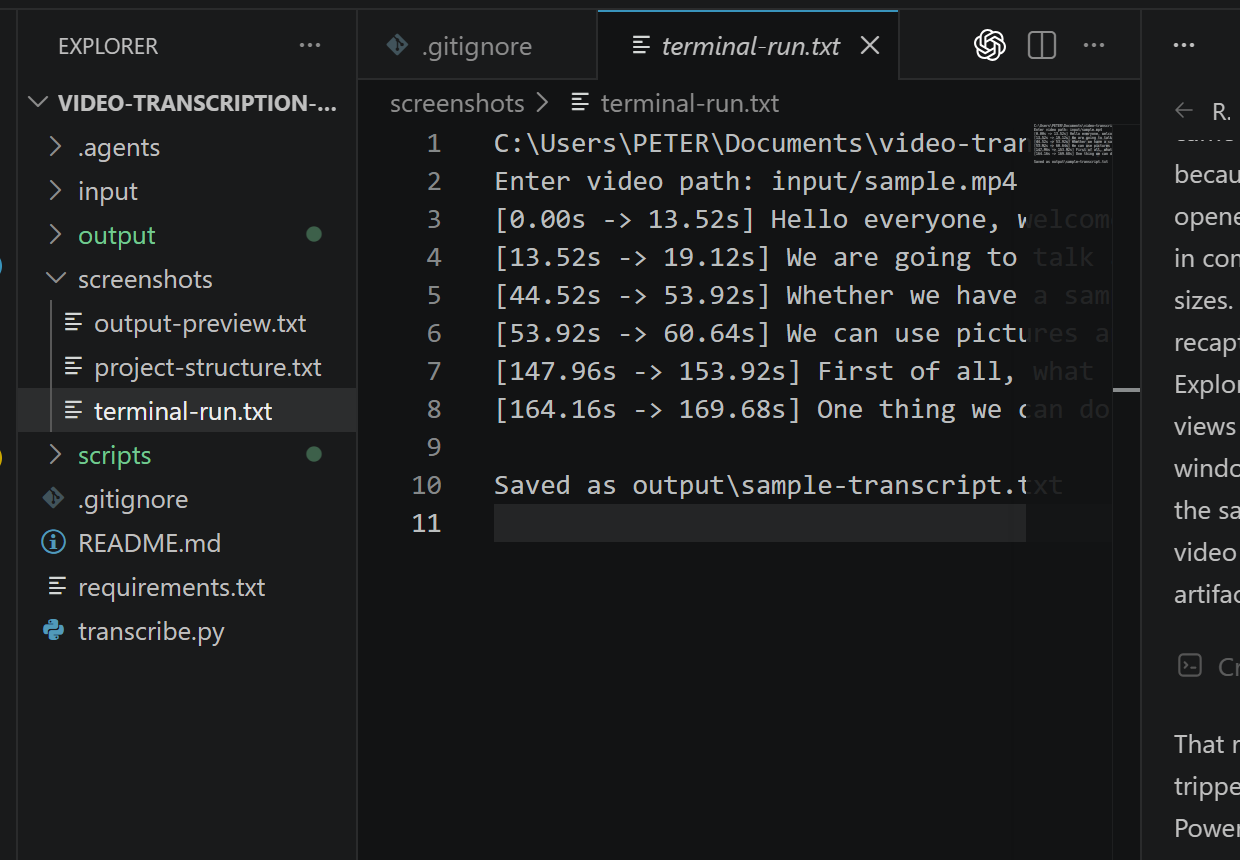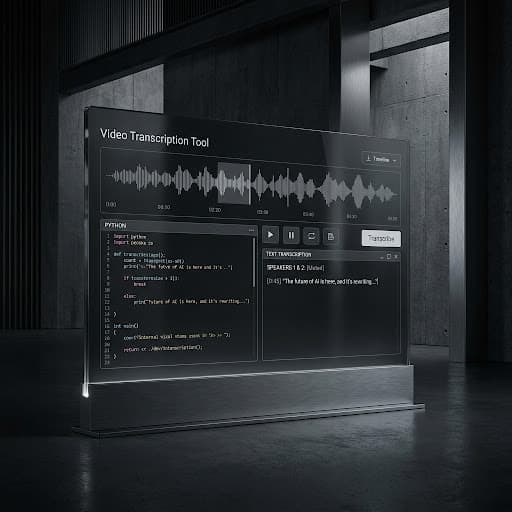
Purpose
The aim was to create a simple transcription setup that could be used without depending on a paid online platform.
It keeps the whole process local, makes file handling easier, and gives more control over privacy, storage, and delivery.
SYSTEM AUTOMATION
I built a local Python transcription workflow for times when uploading client recordings to a third-party website is not ideal.
The aim was to create a simple transcription setup that could be used without depending on a paid online platform.
It keeps the whole process local, makes file handling easier, and gives more control over privacy, storage, and delivery.
The user runs the Python script and selects a video or audio file.
The recording is processed locally with Faster-Whisper.
The finished transcript is automatically named and saved in the chosen output folder, ready for review, editing, or delivery.
Python, Faster-Whisper, command line, local file handling.
A free, local transcription workflow that avoids subscriptions, upload limits, and paid credits.
It gives the user more control over private recordings, file storage, naming, and where each transcript is saved.
Select the video or audio recording to be transcribed.
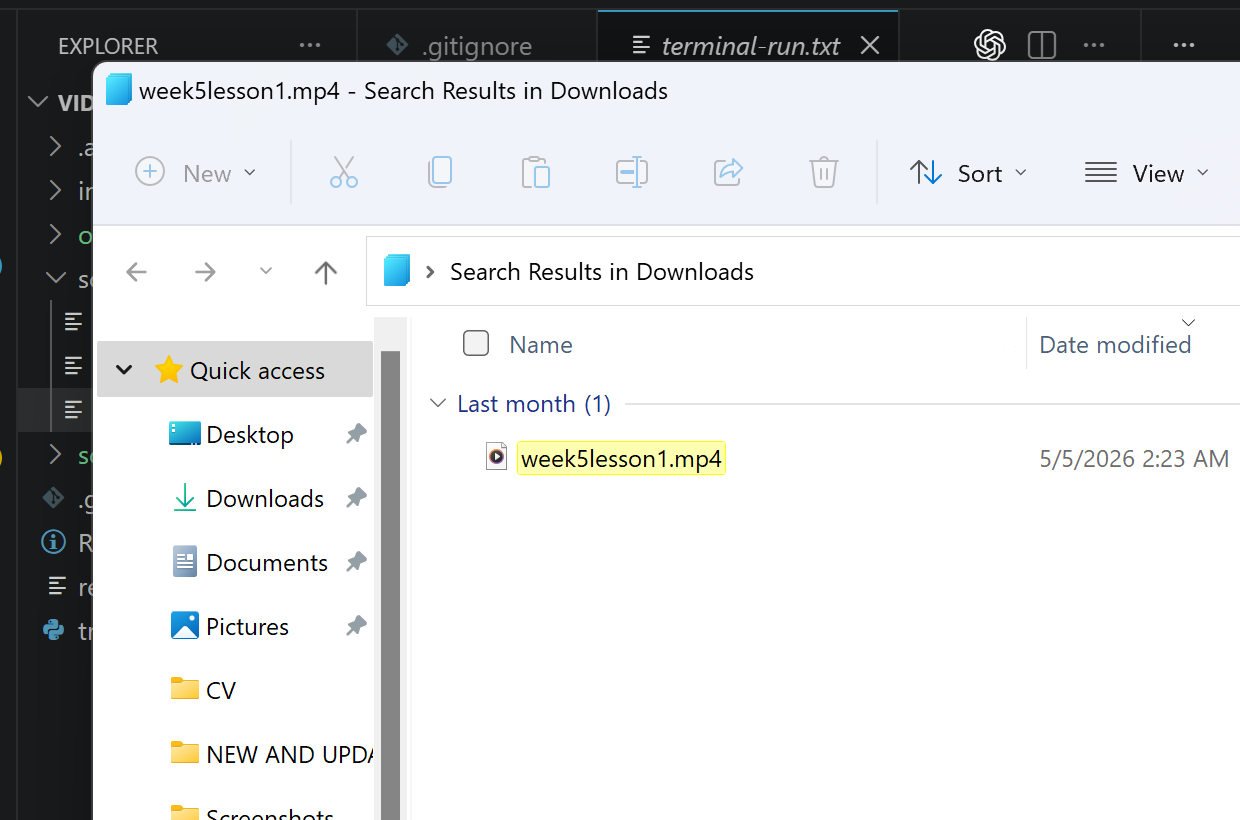
Run the Python command and enter the file path.
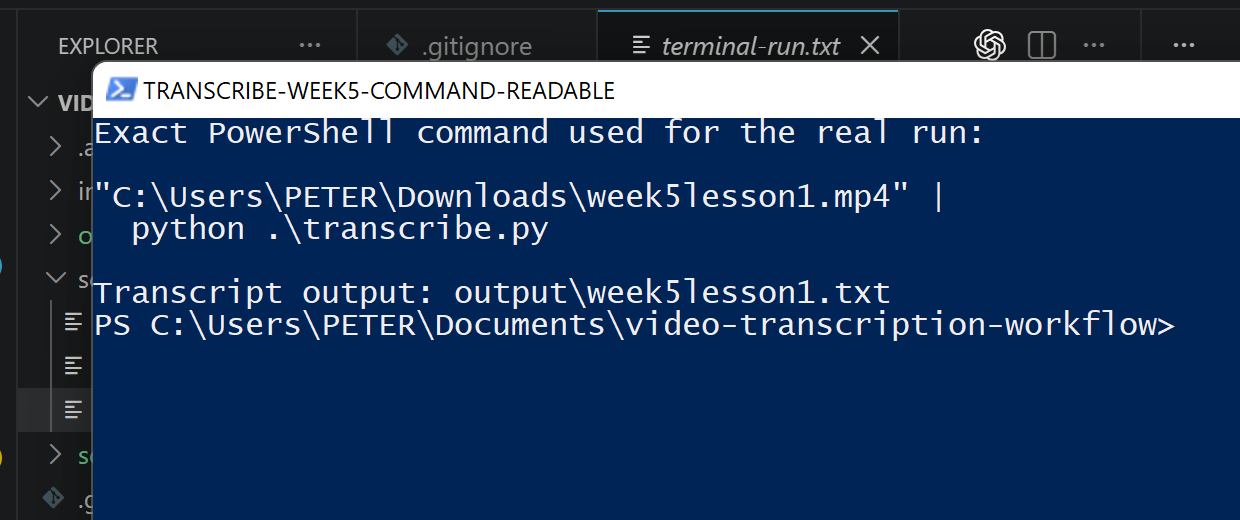
Faster-Whisper handles the transcription locally.
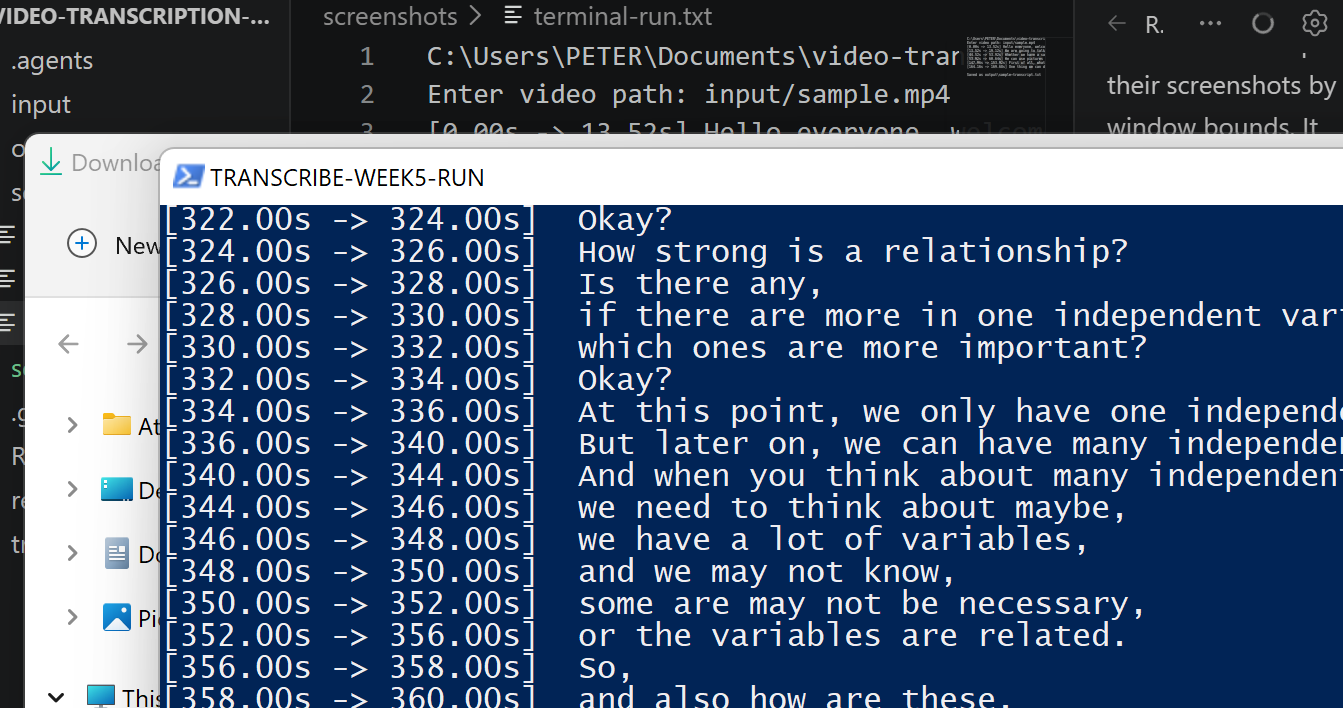
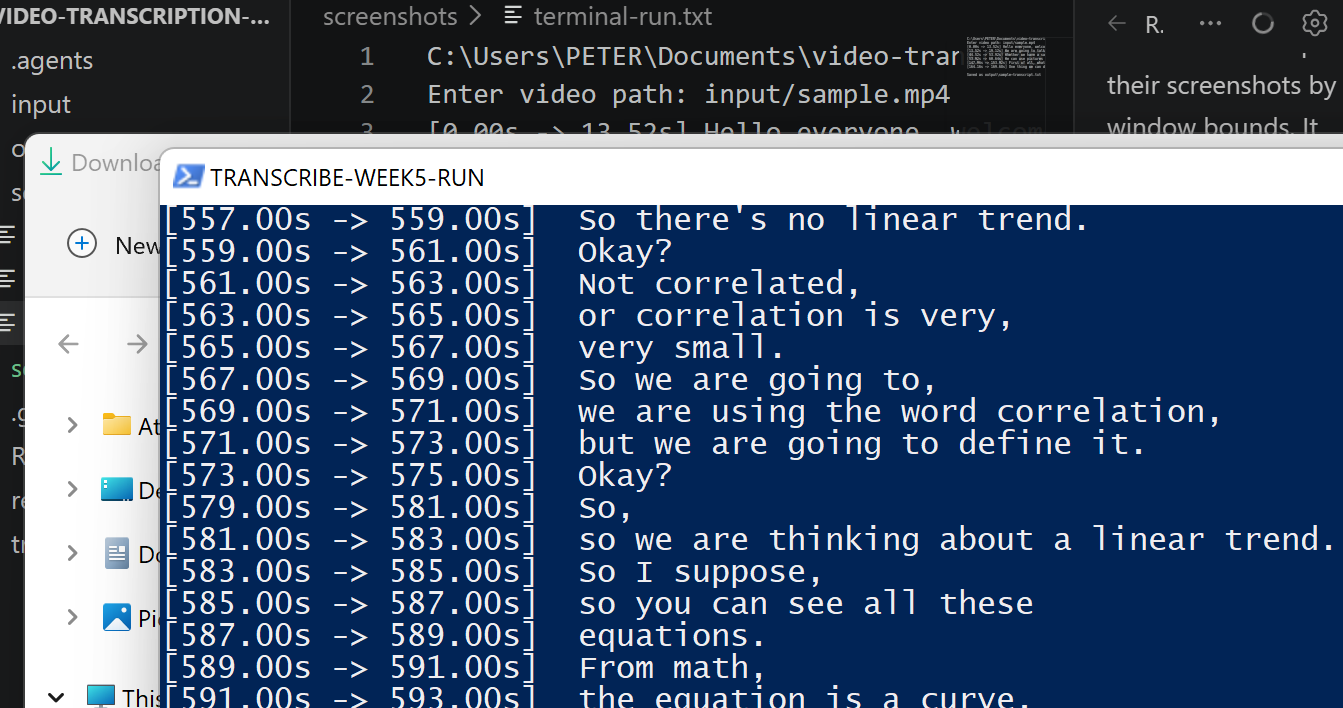
The workflow produces timestamped text from the recording.
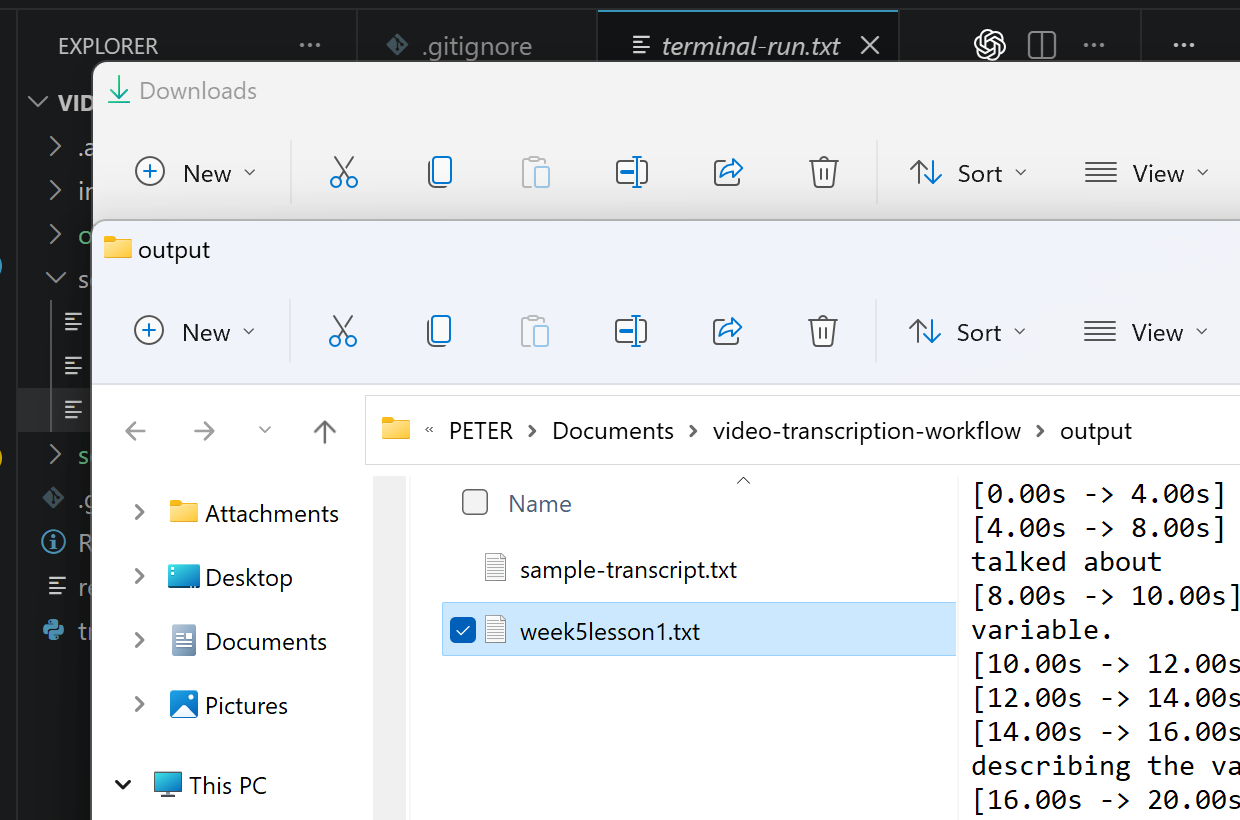
The transcript is named and saved in the chosen output folder.
Open the transcript, clean the text if needed, and prepare it for delivery.